

FeelXVideos review
FeelXVideos documents several device connections from its desktop site. It also has a browser route for VR. Those features have different requirements, especially if you plan to watch on a phone or headset.
Choose a device connection from a computer
The FAQ distinguishes an app-based QR connection for FeelConnect or KooSync, a connection key for The Handy and direct Bluetooth in desktop Chrome, Edge or Opera. It lists local app routes for Intiface Central and Lovense Connect. The FAQ says the connection control is absent on phone-sized screens.
Check the headset route separately
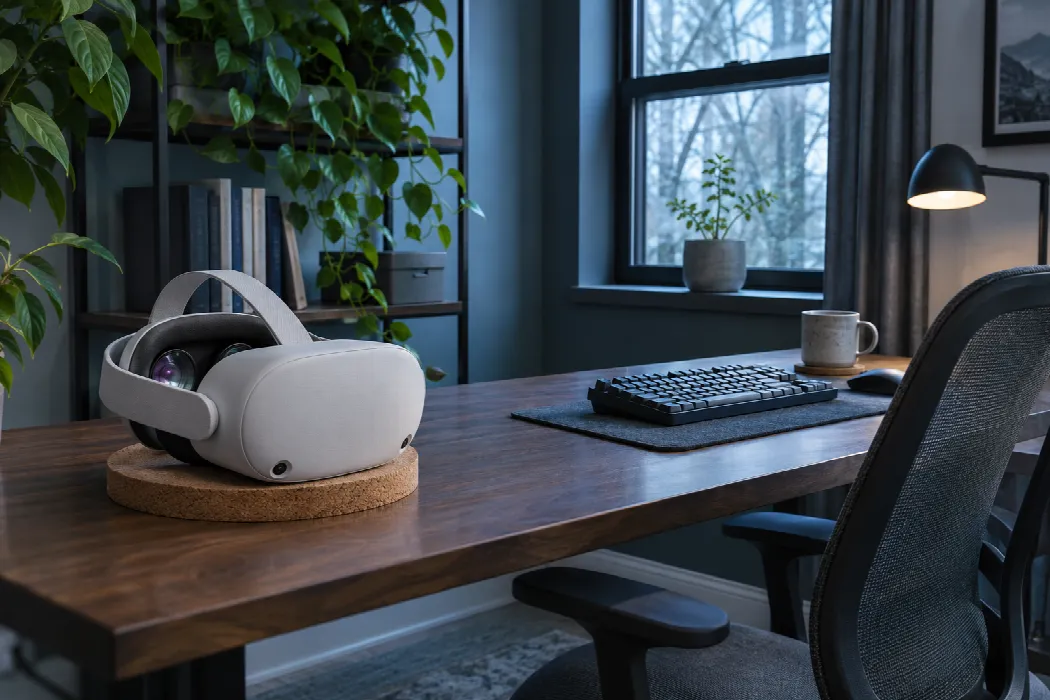
SexLikeReal documents using DeoVR on supported Quest headsets. FeelXVideos describes opening a compatible headset browser for 180° and 360° VR playback. Its FAQ says videos are streamed and membership opens the full library. Connecting a device and having access to a particular video are separate steps.
 Anabel’s take
I'd choose the viewing device first, then match it to the documented route. If I only had a phone, I'd check the desktop-only connection control before considering a membership for synchronization.