

Bigscreen Beyond 2 review
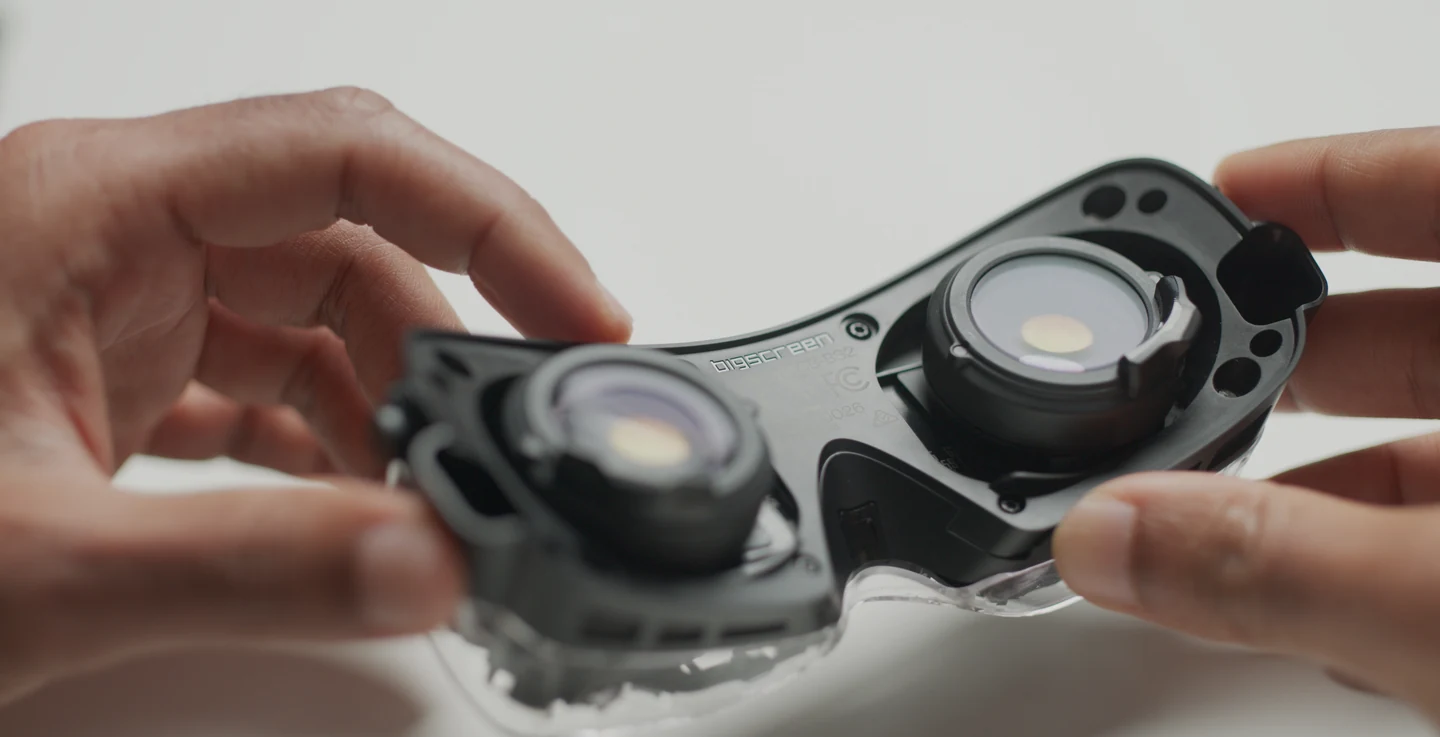
The Bigscreen Beyond 2 is a wired VR headset for a Windows PC. If you’re looking at it for VR video, the first thing I’d check is the port on your computer. This headset depends on the machine running it and on external tracking.
Check the PC before the headset
Bigscreen specifies DisplayPort 1.4 with Display Stream Compression and two USB 3.0 ports. The display output needs to come from the dedicated graphics card. On a laptop, check what the USB-C or DisplayPort socket is wired to. A compatible USB-C adapter can work on some models, but the manufacturer rules out HDMI-to-DisplayPort adapters. You also need a separate SteamVR base station. Controllers depend on the app you plan to use.
Choose a player for the video you have
Bigscreen’s headset page covers the hardware. Playback depends on the Windows or SteamVR app and the video format you want to open. SKYBOX VR Player is a separate media player with its own supported platforms and file types. If you already have a video library, check its formats against the PC version of your chosen player. For a subscription service, check its current PC instructions before paying.
 Anabel’s take
I’d consider the Beyond 2 if I already had a suitable desktop and SteamVR tracking. If I wanted to sit down with a headset and open a video without starting a computer, I’d look at standalone hardware first. The lighter headset is only one part of what you’ll use every time.